Line Sheet Studio Beta
AI Line Sheets
from your flat sketches.
Use AI to render your sketches in different colors and fabrics. Choose the versions you like, add your style details, and download a PDF for your next collection review.
Sign in for 3 free preview images per workspace. View plans
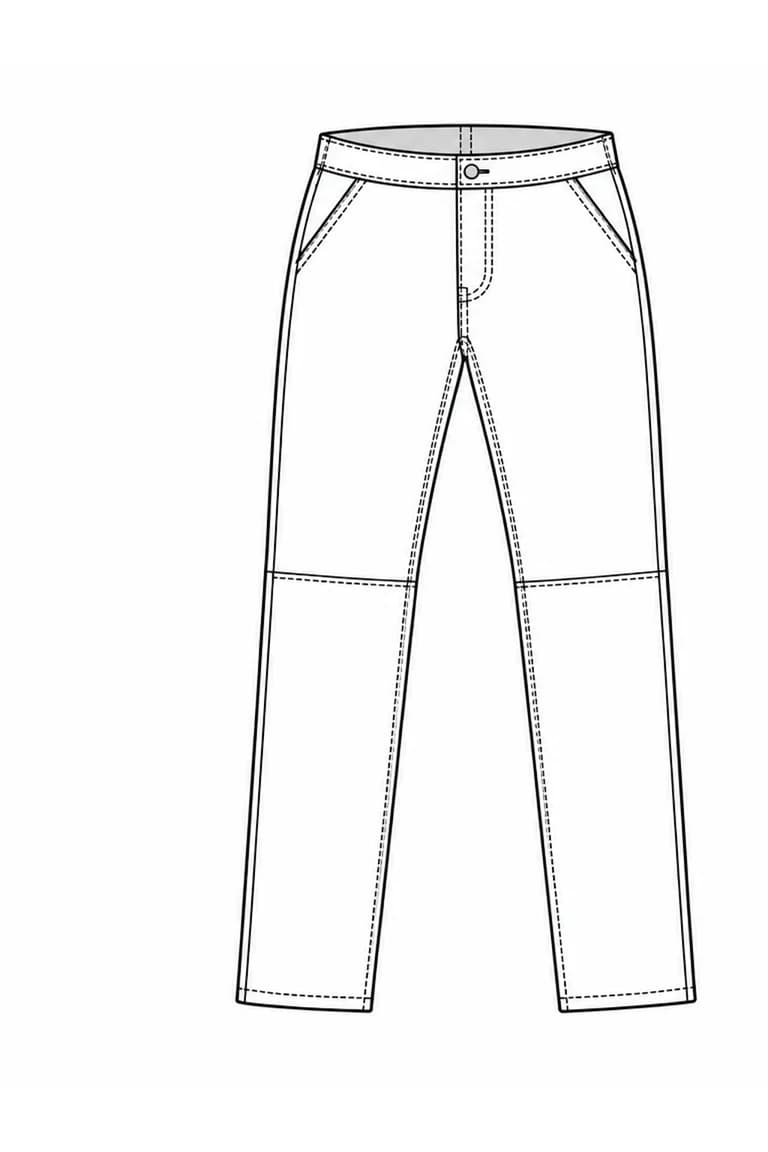
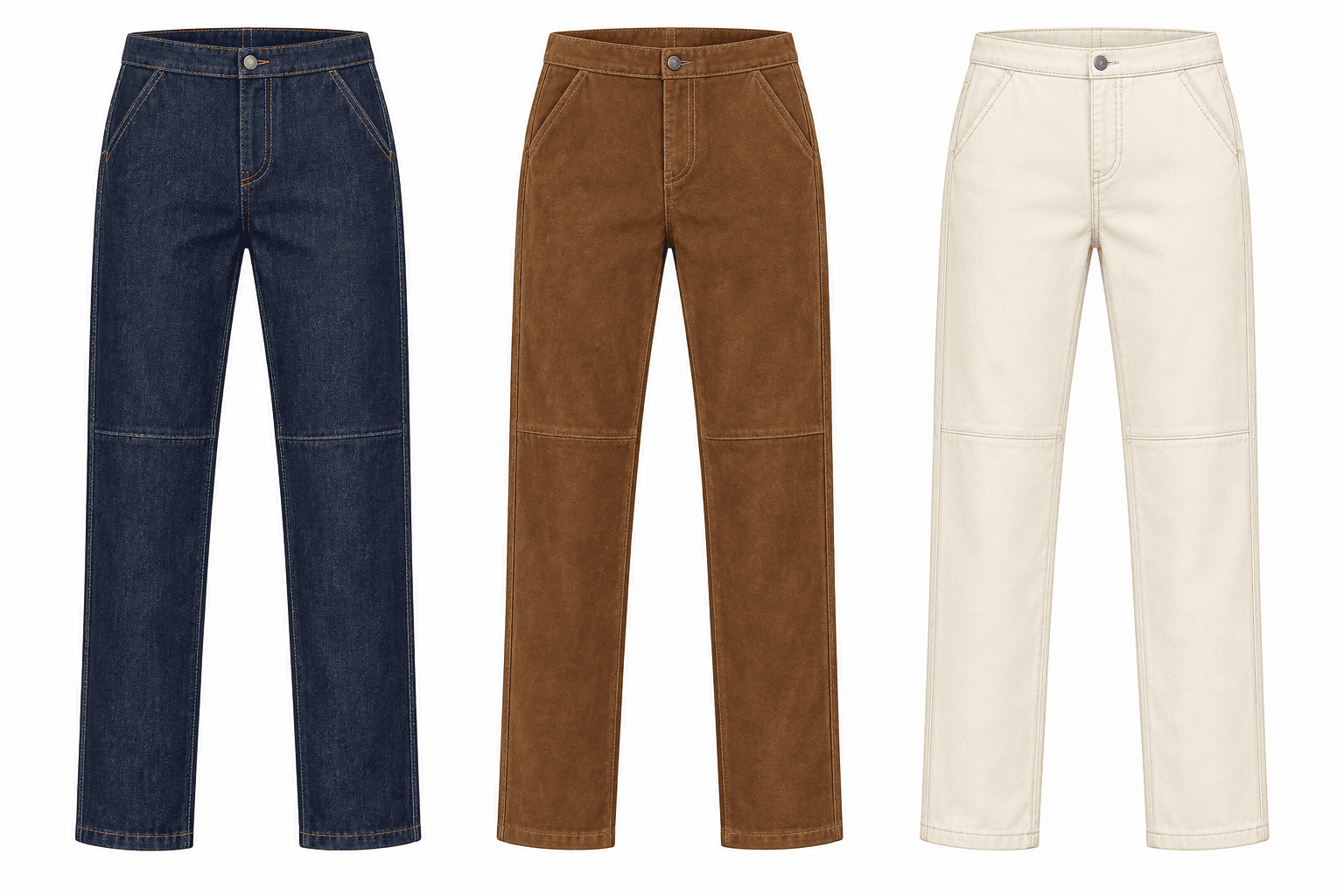
One sketch. Three directions.
03 variations
What are AI line sheets?
An AI line sheet uses generated garment images to show a collection. Start with a flat sketch, try different colors and fabrics, and compare the results on one sheet.
You choose the images and add the style codes, sizes, prices, and notes. Export the PDF for a collection review or send it to buyers.
Bring the line sheet to your next review.
Compare the styles you're considering before you commit to samples.
Design
Compare colorways and fabric choices. Show front and back views of each style.
Merchandising
See the range at a glance. Spot gaps, repeated styles, and options to cut.
Product development & production
Review fabrics and style notes. Decide what to test in sampling and document in the tech pack.
How to create an AI line sheet
Add saved flat sketches from your library.
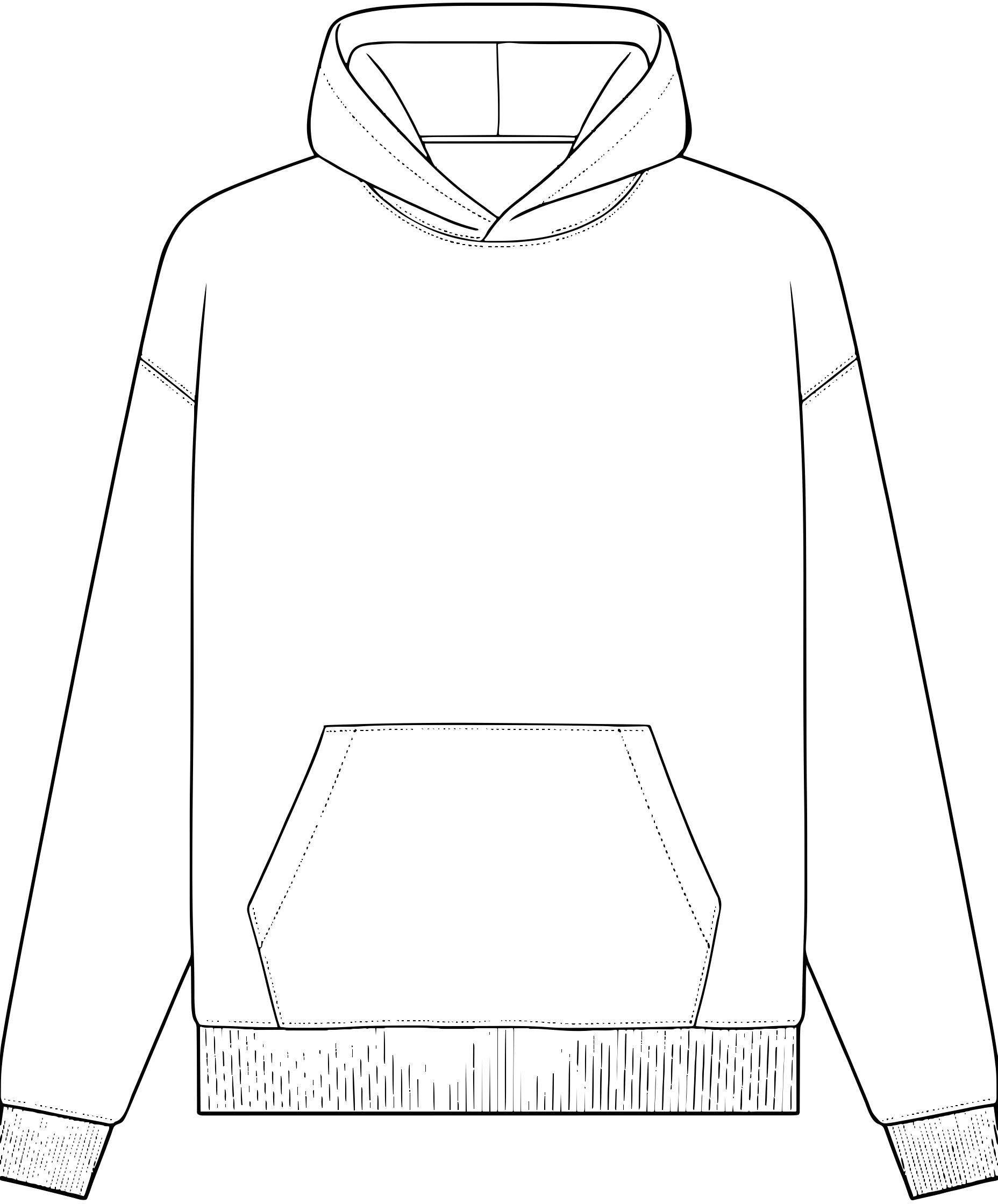
The source sketches stay with the styles as the collection develops.
Illustrative workflow using sample garments and example details.
Need a starting point? Create a flat sketch first
What goes in your line sheet
Add the details your team or buyers need beside each style.
Collection details
Add your brand, collection title, season, contact details, and collection notes.
Images and colorways
Pick your images and front/back views. Label each version with its color and material.
Style details
Add names, style codes, sizes, and notes. Include your wholesale prices for buyers.
PDF export
Check the images and details, then download your PDF. Review generated images against your design before sharing.
Line sheet or tech pack?
Line sheet
Choose what to develop.
Show the range with images, colorways, and style details. Use it for collection reviews or send a version with prices to buyers.
Build a line sheetTech pack
Specify how to make it.
Document measurements, materials, and construction for one style. Check the specifications before sending them to your factory.
Explore tech pack generationAI line sheet FAQ
What are AI line sheets?
AI line sheets use AI-generated garment images to present a collection. AI Tech Packs generates those images from your saved flat sketches. You choose the images and add style codes, sizes, prices, and notes before exporting a PDF for your team or buyers.
Can I try different colors and fabrics?
Yes. Generate up to six variations from a saved flat sketch in one batch. Choose front, back, or paired front/back views, then pick the images to include in your line sheet.
Can I add my own artwork or fabric references?
Yes. Add uploaded or saved artwork, fabric, and pattern references, including details for a selected area. Keep a pattern’s colors or recolor it. Renders are visual previews; fabric performance and construction still need sample review.
What can I include in the PDF?
Add your brand, collection name, season, contact details, and notes. Each style can show images, a name and code, color, material, wholesale price, sizes, and notes. You enter the prices and sales details.
Can I send it to wholesale buyers?
Yes. Add your prices, sizes, and sales notes, then download and send the PDF. Confirm delivery dates, minimums, and order terms before sharing. Orders and payments stay in your existing sales process.
Is it free to try?
Sign in to organize your saved sketches and line sheets. Each workspace gets three free product preview images. More images, variation suggestions, and watermark-free PDFs require an active Flat Sketch or Tech Pack membership. Line Sheet Studio is in beta.
Do I still need a tech pack?
Yes, for production. A line sheet shows the collection. A tech pack contains the measurements, materials, and construction details a factory needs to make each style. Review those specifications before factory handoff.
Try it with your own sketches.
Pick a saved flat sketch and try a few colors or fabrics.
Try 3 preview images free per workspace. Upgrade for more images and watermark-free PDF exports.