AI Tech Pack Generator
Add your garment, choose your sizes, and generate an editable draft.
Your design
Upload a garment photo, flat sketch, or AI, EPS, or PDF file.
Drop your design here or browse files
JPG, PNG, WEBP · AI, EPS, PDF
Photo tips
Reference Photo Guide
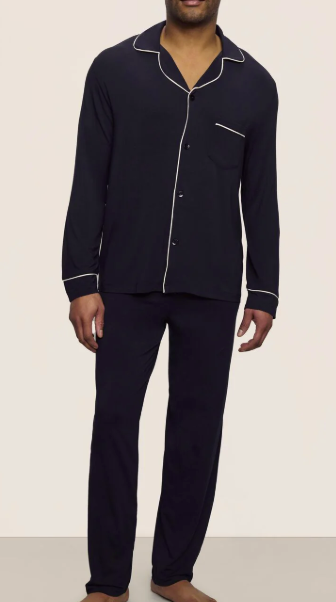 Full set
Full set
Top and bottom together.
Not recommended
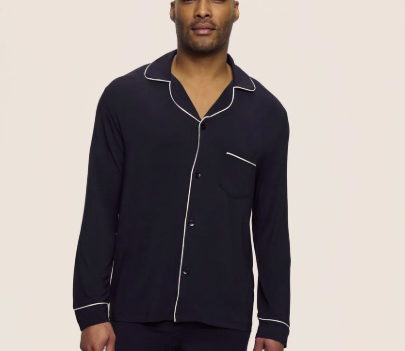 Top crop
Top crop
Shirt, jacket, or bodice.
Recommended
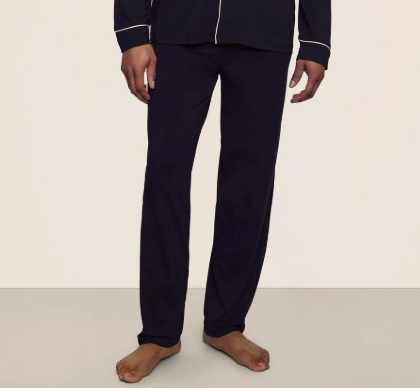 Bottom crop
Bottom crop
Pant, skirt, or short.
Recommended
Reference files (optional)
AI, EPS, PDF · Up to 100 MB per file. Add supporting specs or design details to your images.