One Link.
Zero
Confusion.
Once you know how to make a tech pack, the next challenge is getting one clear version in front of your factory. Share a live link that stays current, opens anywhere, and requires no login.
Included with Designer plan for live factory sharing
Need the factory-ready tech pack guide first? Open Tech Pack Template Guide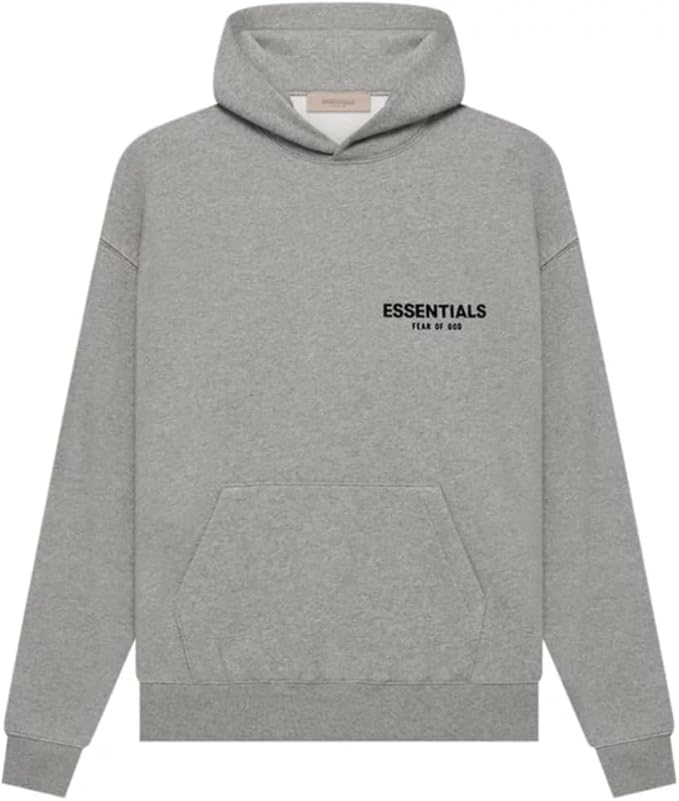
Heavyweight Hoodie
Your Brand Name • FW24
Techpack Mama
Quick Summary380 GSM zip hoodie with YKK metal zipper, rib cuffs, kangaroo pocket, and factory-ready measurement + BOM sections available for fast review.
Live Factory View
Factory opens the latest version from the same link every time.
How Factory Share Works
Making the tech pack is step one. Sharing one current version is what keeps sampling and production aligned.
Generate Your Link
Click "Share" on any tech pack to generate a unique, shareable link.
Send to Your Factory
Share the link via email, WhatsApp, WeChat, or any messenger your factory uses.
Factory Views Instantly
They open the link, view the full tech pack, and contact you directly if anything needs clarification.
Why Fashion Teams Use Factory Share
One Universal Link
Generate a single shareable link for your tech pack. Send it via email, WhatsApp, WeChat — whatever your factory uses.
No Login Required
Your factory views the tech pack instantly — no account needed. Remove friction from communication.
Always Up to Date
Make changes to your tech pack and the link updates automatically. No re-sending attachments.
Techpack Mama for Factories
Factories can use Techpack Mama to summarize the pack, extract key details, and get quick answers before they reach out to you directly.
PDF View.
Excel Download.
Techpack Mama.
The factory share link opens a browser-based PDF view of the tech pack, gives factories an Excel download when they need spreadsheet access, and includes Techpack Mama to summarize or extract key details quickly from the pack.
Factory Portal
The factory opens the tech pack in a clean browser view instead of hunting through old attachments.
Download Excel
Export the workbook for teams that still review specs and BOMs in spreadsheets.
Techpack Mama
Ask for quick summaries, spec checks, or extracted details without scanning the whole pack.
Example answer
Q: Which zipper is approved for this style?
Techpack Mama: YKK metal zipper. Matching teeth size is noted in the BOM, and the hoodie body fabric is 380 GSM with rib cuffs and hem.
Works Globally, Without Friction
Your factory doesn't need to create an account, download an app, or learn new software. If they can click a link, they can view your tech pack.
Any Browser
Works on Chrome, Safari, WeChat browser — anything
Mobile Friendly
Factory can review on phone while on the floor
Secure Links
You control access, revoke links anytime
From the Changelog
Recent Product Updates
A few recent factory-sharing updates from the changelog, focused on live links and saved tech pack handling.
New share links and organization updates
Factory Share picked up a major update around live sharing and better tech pack organization.
See update
Saved tech pack management fixes
Recent collection and saved-tech-pack fixes support cleaner handoff and tracking before a pack goes to production.
See update
Foundational sharing workflow work
The changelog also documents the original sharing and delivery foundations behind the current factory-link workflow.
See update
Factory Share Questions
These are the core questions teams ask when they need to share a tech pack with a factory without losing version control.
Create the tech pack, generate a share link, and send that link to the factory instead of emailing attachments. The live link keeps the latest version in one place and opens the factory-facing portal immediately.
Factories can open the PDF-style tech pack view in the browser, download the tech pack as an Excel file, and use Techpack Mama to get summaries or quick answers pulled from the pack.
No. Factory Share is designed so overseas factories and vendors can open the tech pack link without creating an account first.
Factories review the live link and then contact you directly by email, WhatsApp, WeChat, or your normal production channel. Because everyone is looking at the same current link, follow-up stays tied to the latest version.
The shared link keeps pointing to the current version, so your factory sees the latest approved details instead of an outdated PDF or spreadsheet attachment.
Ready to streamline factory communication?
Factory Share is included with the Designer plan. Create your first tech pack and share it with one click.