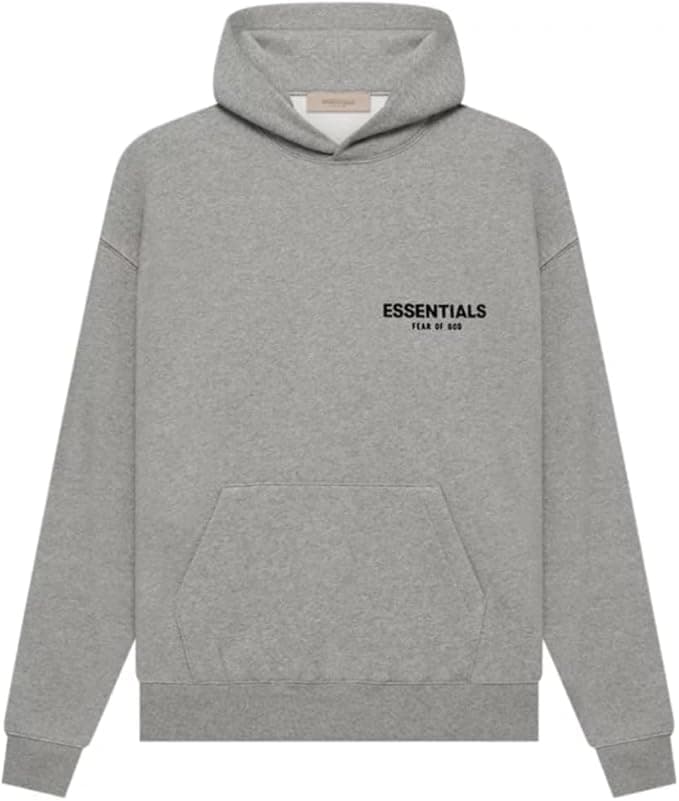
Style 01
Oversized Hoodie
AdvancedReady
Move a line or drop through first-draft production without rebuilding the same setup for every SKU. Queue the styles, share defaults, review inputs, then generate up to 10 tech packs in one batch.
Collection queue
SS25 Development
Style 01
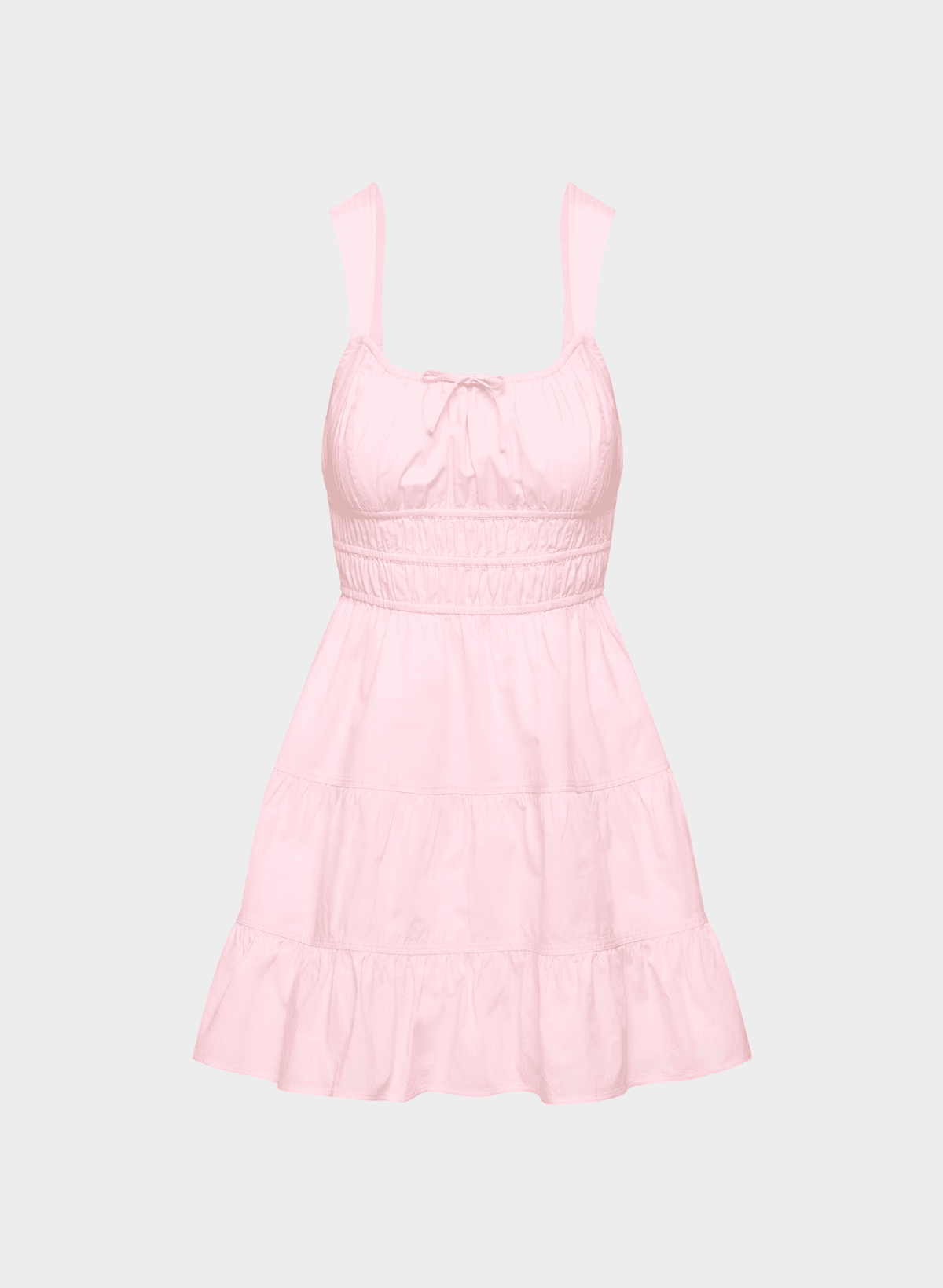
Style 02
Style 03
Shared batch defaults
Preflight
Generate 2 ready styles
The missing-front style stays in review.
Short answer
Batch does not mean one prompt creates a perfect 40-SKU collection. It means one controlled queue for shared setup, style-by-style review, and faster first drafts—without losing the edit step.
Built for collection pace
Use Batch Workspace when a set of styles is moving through the same development cycle and your team needs a reviewable queue before generation begins.
Build first drafts for a coordinated line, capsule, or seasonal drop.
Apply one starting setup, then preserve the per-style decisions that matter.
See ready versus missing-input styles before generation time is spent.
Keep up to 10 SKUs moving toward review, export, and factory handoff.
The workflow
Add up to 10 styles to one batch. A front image is required; back images and product details are optional.
Choose the default generation mode, size setup, brand kit, and output collection once for the batch.
See which styles are ready and which still need inputs. Override defaults when one style needs a different setup.
Start the batch and follow progress style by style instead of rebuilding and submitting every pack separately.
Open each generated pack for human review, then edit, export PDF or Excel, or share the current version with a factory.
Old way vs. Batch Workspace
| Step | Excel + Illustrator / one by one | Batch Workspace |
|---|---|---|
| Start the next style | Duplicate files and rebuild the setup | Add the style to the queue |
| Brand and size setup | Re-enter or copy-paste defaults | Apply shared defaults, then override |
| QC before generation | Check files and notes ad hoc | Review ready and missing-input states |
| Generate first drafts | Submit one pack at a time | Generate up to 10 ready styles |
| Factory handoff | Manage attachments across email threads | Edit, export PDF or Excel, or share a live link |
Batch is useful when
What batch does not do
FAQ
The practical limits, controls, and review expectations behind Batch Workspace.
You can queue up to 10 styles in a batch. Only styles with the required front image are marked ready for generation.
Advanced creates the fuller workflow with flat sketch, measurements, and tech pack output. Simplified creates a garment-driven tech pack without the flat-sketch pages.
Yes. Shared defaults give the collection a consistent starting point, while each style can use its own generation mode, sizing, images, product details, and Advanced locking options.
Yes. Batch Workspace speeds up first-draft production; it does not replace technical review. Open each result, confirm the specifications, and make any brand- or factory-specific edits before handoff.
Use the single tech pack generator. Batch Workspace is most useful when several styles share a development cycle, brand kit, size setup, or collection deadline.
Batch Workspace is included with the Tech Pack membership. Teams with custom requirements can discuss an Enterprise plan.
Ready for collection pace?
Preview Batch Workspace, or start with one free tech pack if you are still developing the first style.